Digital Products You Can Make With No Experience (2026 Beginner Guide) | Easy Digital Product Ideas
WhatsApp
Telegram
Facebook
Twitter
LinkedIn
Join Our WhatsApp Channel
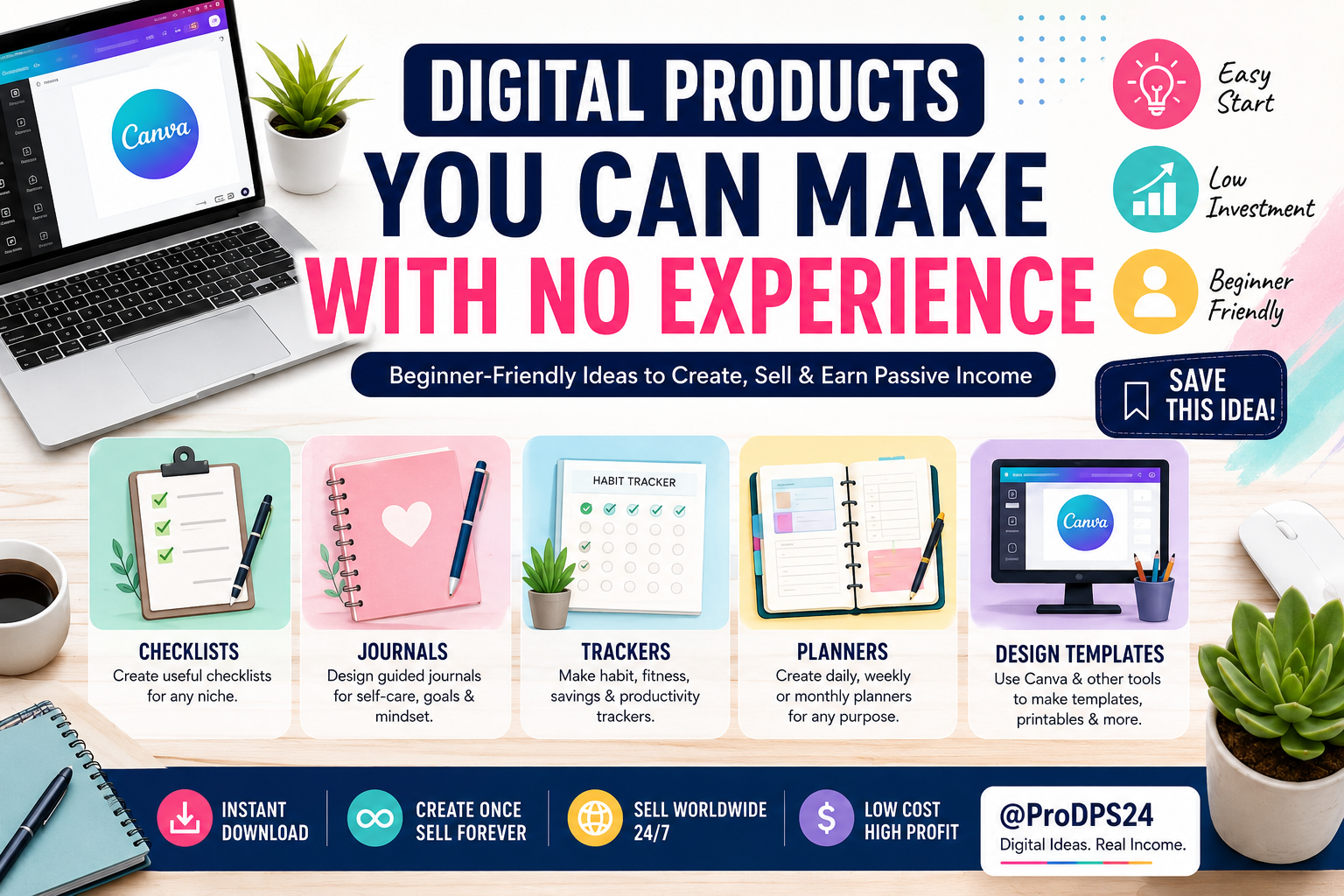
Have you ever wanted to start an online business but felt like you didn’t have the skills, experience, or money? The good news is that creating digital products is one of the easiest ways to begin. Thanks to beginner-friendly tools like Canva, Google Docs, and Notion, almost anyone can create products that people are willing to buy.
Unlike physical products, digital products can be created once and sold repeatedly without worrying about inventory, shipping, or storage. Whether you’re looking for a side hustle or planning to build a long-term online business, digital products are a great place to start.
What Are Digital Products?
Digital products are downloadable files that customers can purchase and use instantly. Since they are delivered electronically, there are no manufacturing costs or shipping fees. This makes them a low-risk business idea for beginners.
Some of the most popular digital products include:
- Printable planners
- Checklists
- Budget templates
- Habit trackers
- Digital journals
- Canva templates
- Social media templates
- Notion dashboards
- Worksheets
- Business forms
Why Beginners Should Sell Digital Products
There are several reasons why digital products are one of the best online business models for beginners.
- Very low startup costs
- No inventory required
- Easy to create with free tools
- Unlimited sales potential
- Can generate passive income
- Sell worldwide 24/7
Even if you have never designed anything before, simple templates and planners can become valuable resources for people looking to save time or stay organized.
Beginner-Friendly Digital Product Ideas
| Product | Difficulty | Free Tools |
|---|---|---|
| Printable Planner | Easy | Canva |
| Habit Tracker | Easy | Canva, Google Sheets |
| Daily Checklist | Easy | Canva |
| Budget Spreadsheet | Medium | Google Sheets |
| Journal Pages | Easy | Canva |
| Meal Planner | Easy | Canva |
| Study Planner | Easy | Canva |
| Social Media Templates | Medium | Canva |
| Business Invoice | Easy | Canva |
| Notion Template | Medium | Notion |
How to Create Your First Digital Product
You don’t need expensive software or professional design skills.
Step 1: Pick a Simple Idea
Start with something useful that solves a small problem. For example:
- Weekly planner
- Savings tracker
- Grocery checklist
- Fitness journal
- Content calendar
Step 2: Use Free Design Tools
Many successful digital product sellers started with free software such as:
- Canva
- Google Docs
- Google Sheets
- Notion
- Figma
These platforms include ready-made templates that make designing much easier.
Step 3: Export Your Product
Save your design as a PDF, PNG, or editable Canva template depending on what your customers need.
Step 4: Sell Online
You can sell your products through:
- Your own website
- Etsy
- Gumroad
- Shopify
- Payhip
Owning your own website gives you more control over branding, pricing, and customer relationships.
Tips for Creating Better Digital Products
Creating a product is only the first step. A great customer experience will help increase sales and positive reviews.
- Keep designs clean and easy to read.
- Use consistent fonts and colors.
- Include clear instructions.
- Test your files before selling.
- Offer editable versions when possible.
- Update products regularly based on customer feedback.
Common Mistakes Beginners Should Avoid
Many new sellers make simple mistakes that can slow their growth.
- Trying to create too many products at once
- Copying other creators’ work
- Ignoring SEO keywords
- Using poor-quality graphics
- Forgetting product previews
- Not writing detailed product descriptions
Creating original, useful products will always perform better over time.
Digital Product Creation Workflow
Choose an Idea
        │
        ▼
Research Customer Needs
        │
        ▼
Create with Canva or Notion
        │
        ▼
Export High-Quality Files
        │
        ▼
Upload Product Listing
        │
        ▼
Optimize Title + Keywords
        │
        ▼
Promote on Pinterest
        │
        ▼
Earn Passive Income
Beginner Success Checklist
| Task | Status |
|---|---|
| Choose a niche | ✅ |
| Create first product | ✅ |
| Design product preview | ✅ |
| Write SEO title | ✅ |
| Add product description | ✅ |
| Upload to marketplace | ✅ |
| Share on Pinterest | ✅ |
| Track customer feedback | ✅ |
Final Thoughts
You don’t need years of experience or expensive software to start selling digital products. Many successful creators began with simple planners, checklists, and templates made using free online tools. Focus on solving real problems, keep your designs clean and practical, and continue improving with each new product.
Every digital product you create becomes another opportunity to earn income around the clock. Start with one simple idea, publish it, learn from customer feedback, and gradually build a collection of products that can generate long-term passive income.
The best time to start is today.
---Advertisement---
[adinserter block="1"]
LATEST post
Swagbucks & InboxDollars $20 Bonus Method – Earning Guide
August 20, 2026
7:59 am

TextNow Account Create Method – Complete Guide for Beginners
August 19, 2026
10:43 pm

SMM Panel কী? Social Media Services ও Marketing Guide 2026
August 18, 2026
9:59 pm

Amazon mTurk Account + Fresh USA VPS Package | ProDPS
August 17, 2026
7:40 am

USA Survey VPS – Best USA VPS for Online Surveys Max Router Supported | ProDPS
August 17, 2026
6:38 am